Unfortunately I can not congratulate Sense with this new release,
nor with the QC procedure and the beta testing procedure.
And I find it very ironic the webpage is pointing to the app for “updates”.
Thank you for bringing this issue to my attention.
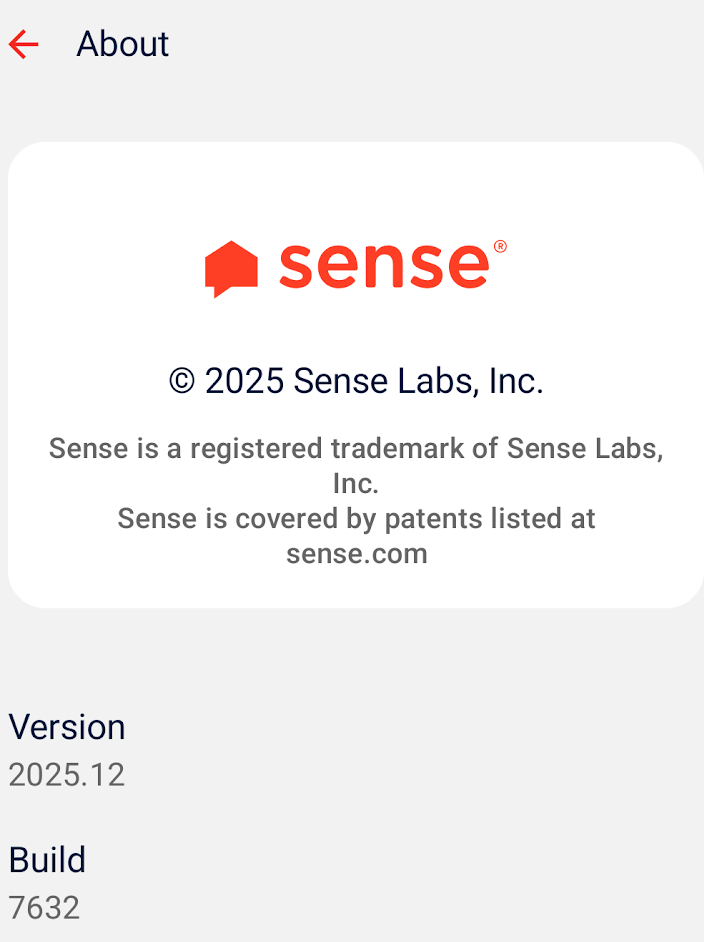
I want to let you know that the feature causing this issue is being delayed and will not be included in the upcoming production release of version 2025.12.
If you prefer a more stable and supported experience, I recommend using the standard (non-beta) version of the Sense app. To switch to the regular version on Android, you can:
Open the Google Play Store and search for the Sense app.
If you are in the beta program, there should be an option on the app page to leave the beta. Tap this option and follow the prompts to exit the beta program.
Once you have left the beta, reinstall or update the app to ensure you are using the latest non-beta version (as of this writing version 2025.11 though that may change soon).
If your situation is different or you need further assistance, please let me know.
Thank you again for your feedback, and I apologize for any inconvenience this has caused.
Thank you, I wasn’t aware I was still on the beta releases at Google Play store.
I was convinced I had turned that off, but recently got a new phone.
But how can such an obvious thing, fall through the cracks of development/QC?
If only a developer would find the time to share when a new release was made and what the changes are like other companies do.
Oh well. that has been discussed many times over the years.
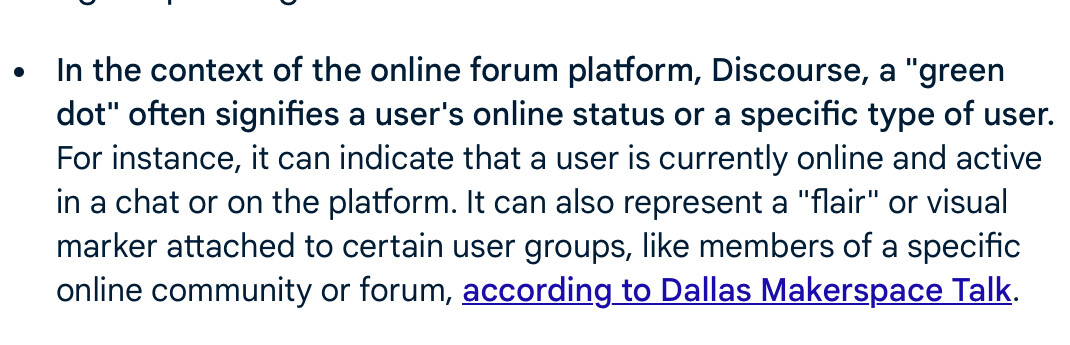
Danny, I still see a green dot on your profile picture here on the forum, as if you still participate in the beta group. Is there a way to turn that off?
@jefflayman, I think the green dot on the profile in Discourse means that folks are online (logged into Discourse via app or web on at least one device).
I am pretty sure @JamesDrew removed me from the beta group over a year ago.
So that green dot is not that.
I looked at all the settings to see if I could find where that is defined/controlled.
Let me know if you find an option where to turn it off.
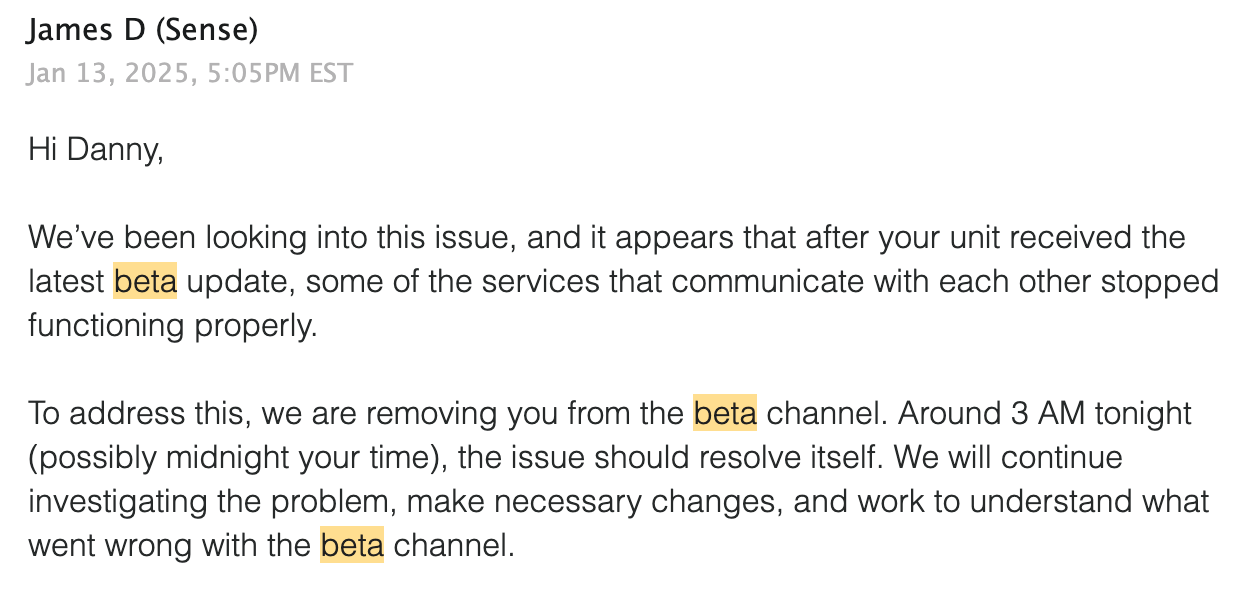
That beta was different, actually. Not related to the app, but it was a specific monitor firmware build. Not customer-facing in terms of how the app or UI works. That beta was related to monitor hardware reliability (things like connection, data transfer, memory, etc.). Totally different beta and unrelated to the subject. I forgot, but it’s something I only handle when working with the engineers on a specific issue like connectivity or something.
We have some other betas going on too, so I apologize, but that word tends to be context-specific.

 .
.